Data Warehouse
State agency resources
Data Warehouse
The Division of Finance provides accurate financial data in a timely manner to assist state agencies with their management and reporting needs. State Data Warehouse is a repository of state financial information to be used for reporting and data analysis. The primary reporting tool is IBM's Cognos. Information stored in the Data Warehouse is uploaded nightly from Vantage Financial, Payroll, Department of Human Resource Management, and other financial information systems.
COGNOS Business Intelligence
COGNOS Business Intelligence provides access to hundreds of custom Vantage Financial reports, along with many other complex reports designed to assist state agencies reconciliation, balancing and forecasting, providing accurate validated results.
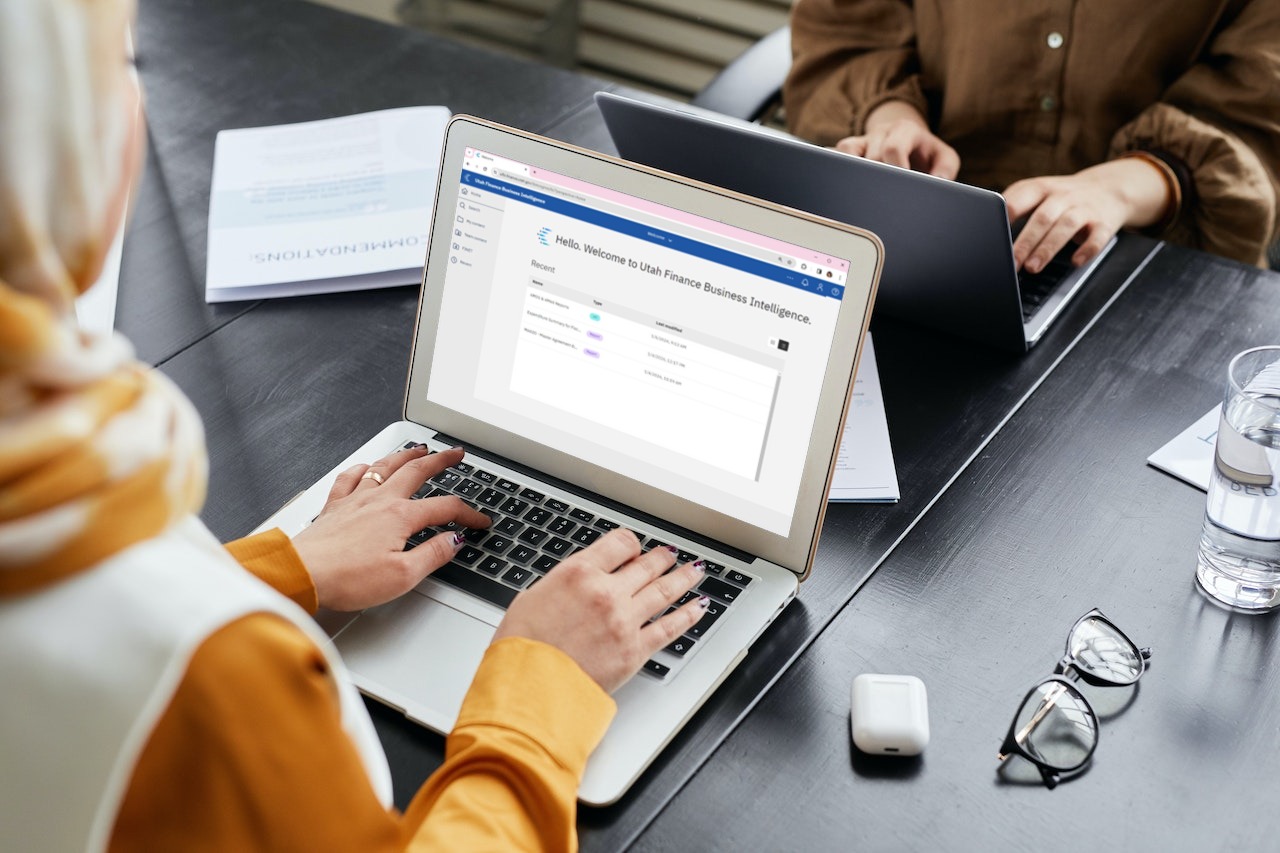
Chart of accounts
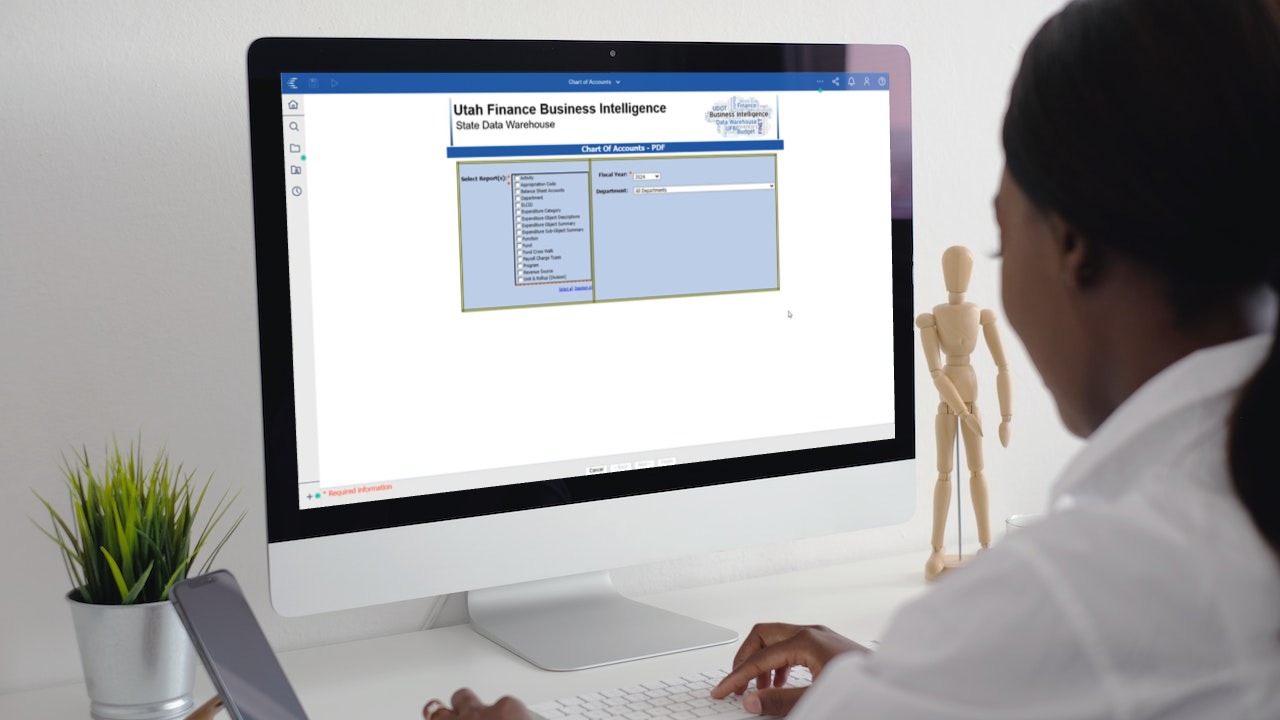
Chart of accounts provides an index for all financial accounts for the state’s general ledger. View your organization's coding such as fund, program, appropriation and more. Use the chart of accounts to see transaction codes and their description by filtering your search with reports, fiscal year, and department. The more details filtered, the more specific the results you will return!
Help and documentation
Have more questions or want to learn more, follow the links to view how-to documents as well as frequently asked questions.
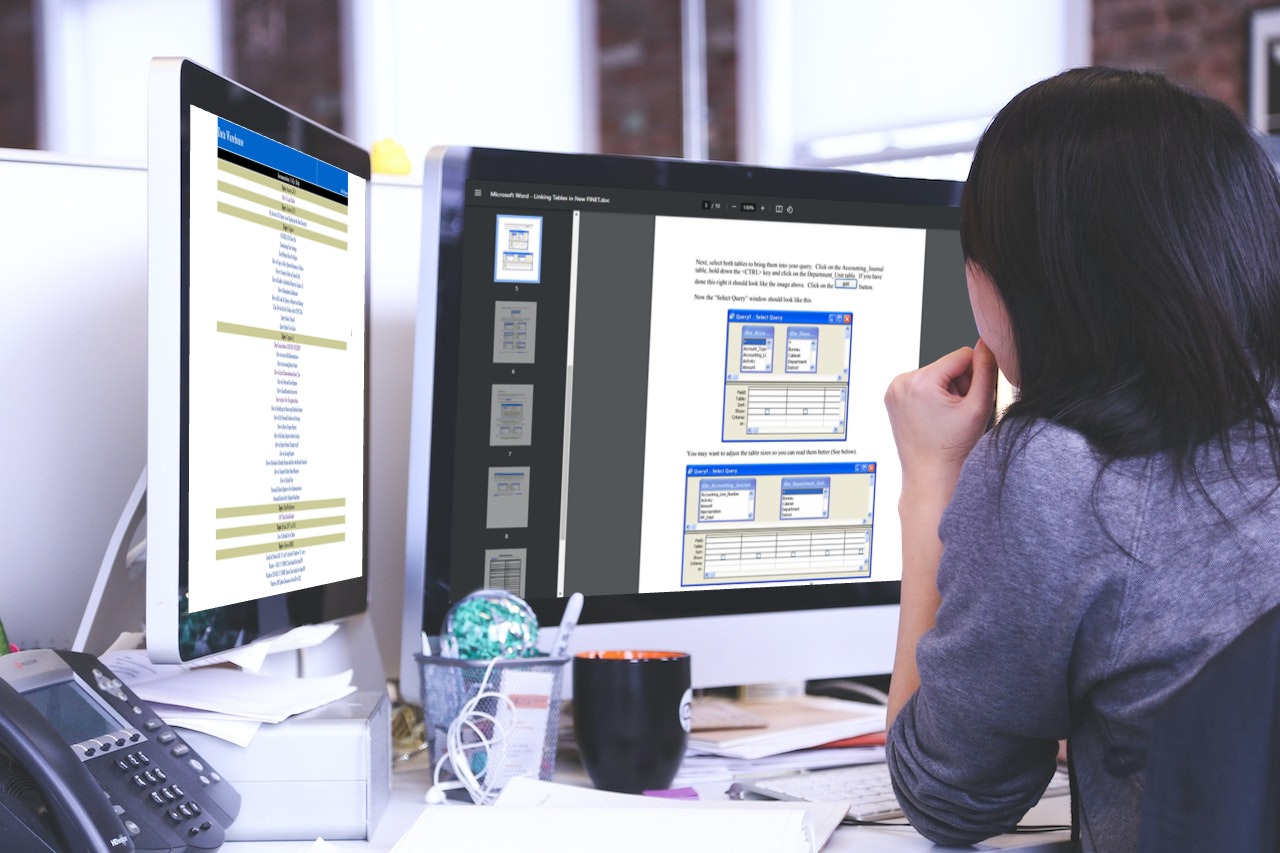
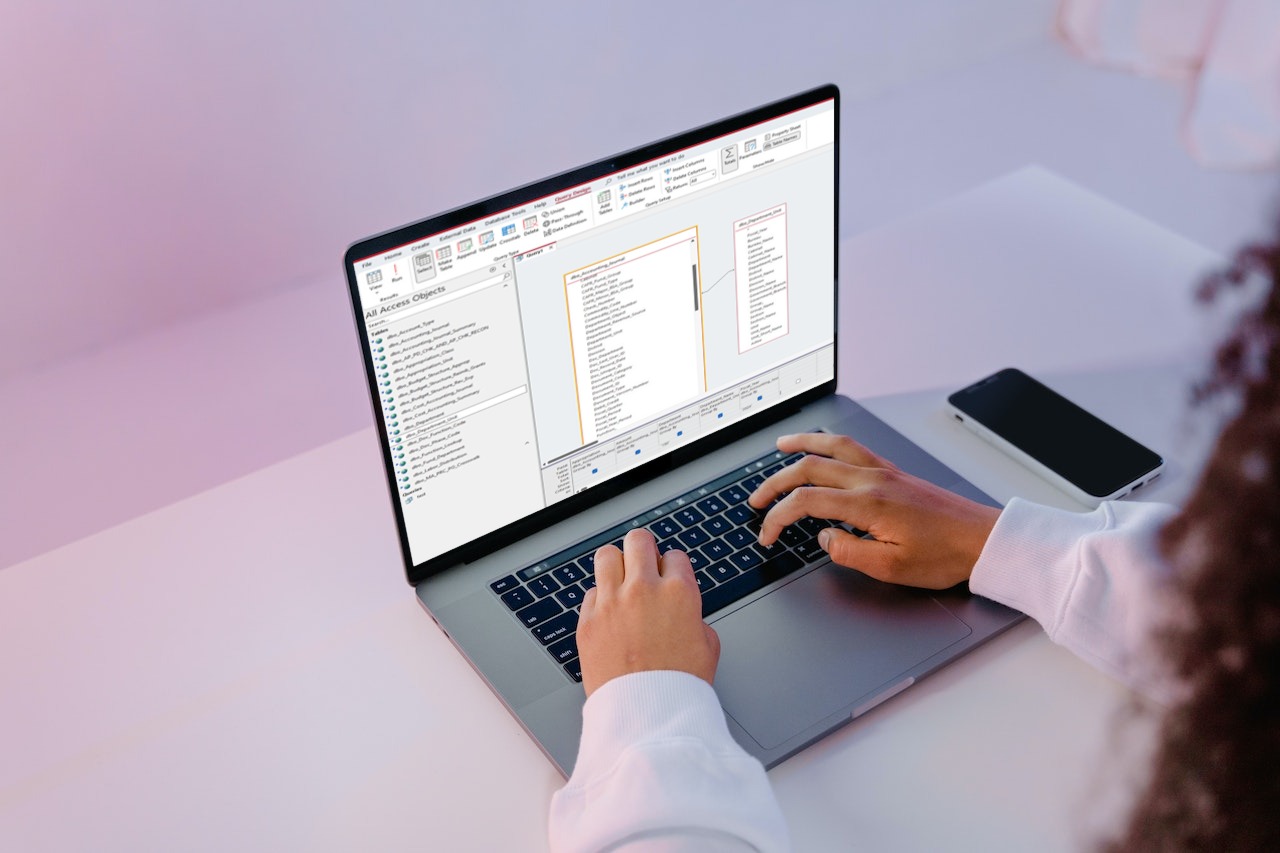
Running queries in Microsoft
If DTS has configured your workstation with the ODBC settings for Finance State Data Warehouse, you can use what is referred to as ‘ODBC’ to access tables and fields in the data warehouse, using MS Access or MS Excel. Access the PDF with instructions.
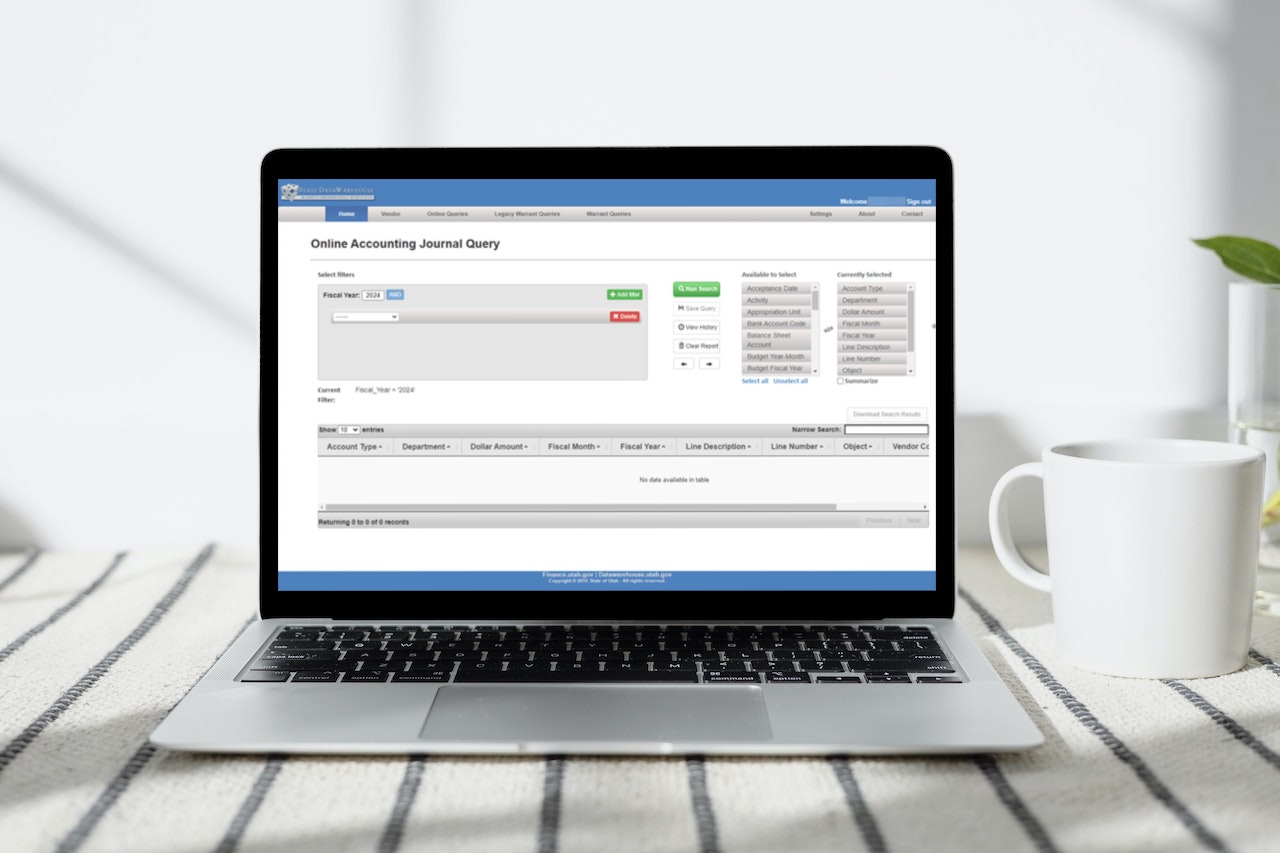
Finance queries
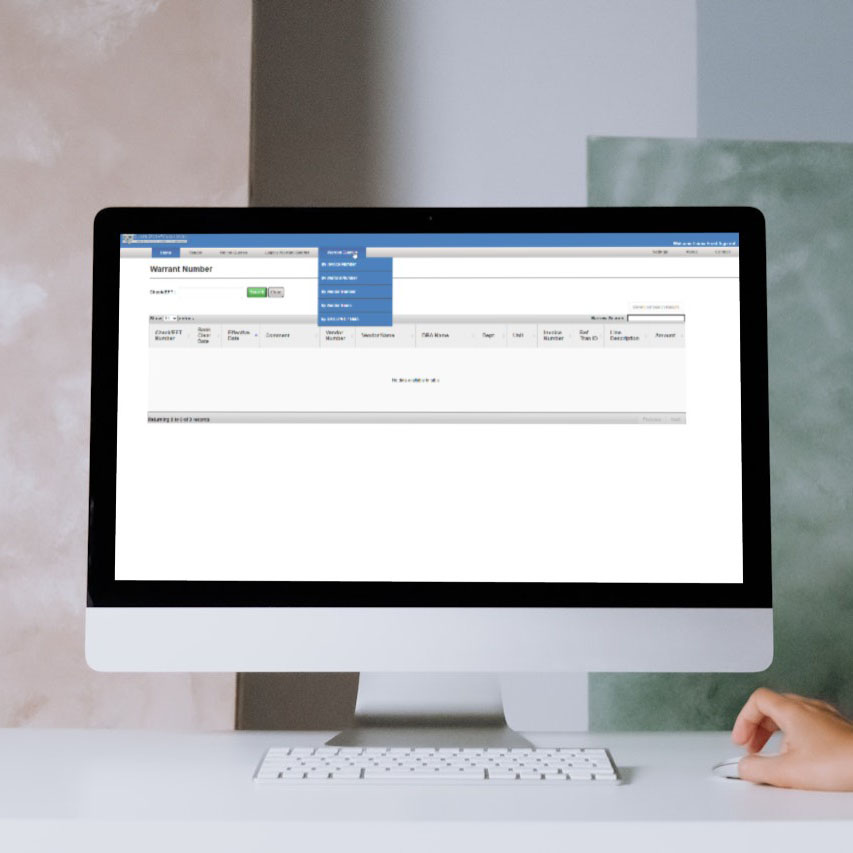
Finance web queries allow users to use predetermined fields and customize the criteria to search by, as well as the criteria and fields they want in the results. Whether you’re searching for payments and their clear date, or for a transaction with a specific vendor, all that and more can be queried here.
This tool allows all utah.gov users the ability to perform queries into the data warehouse. These results can then be exported to Excel.
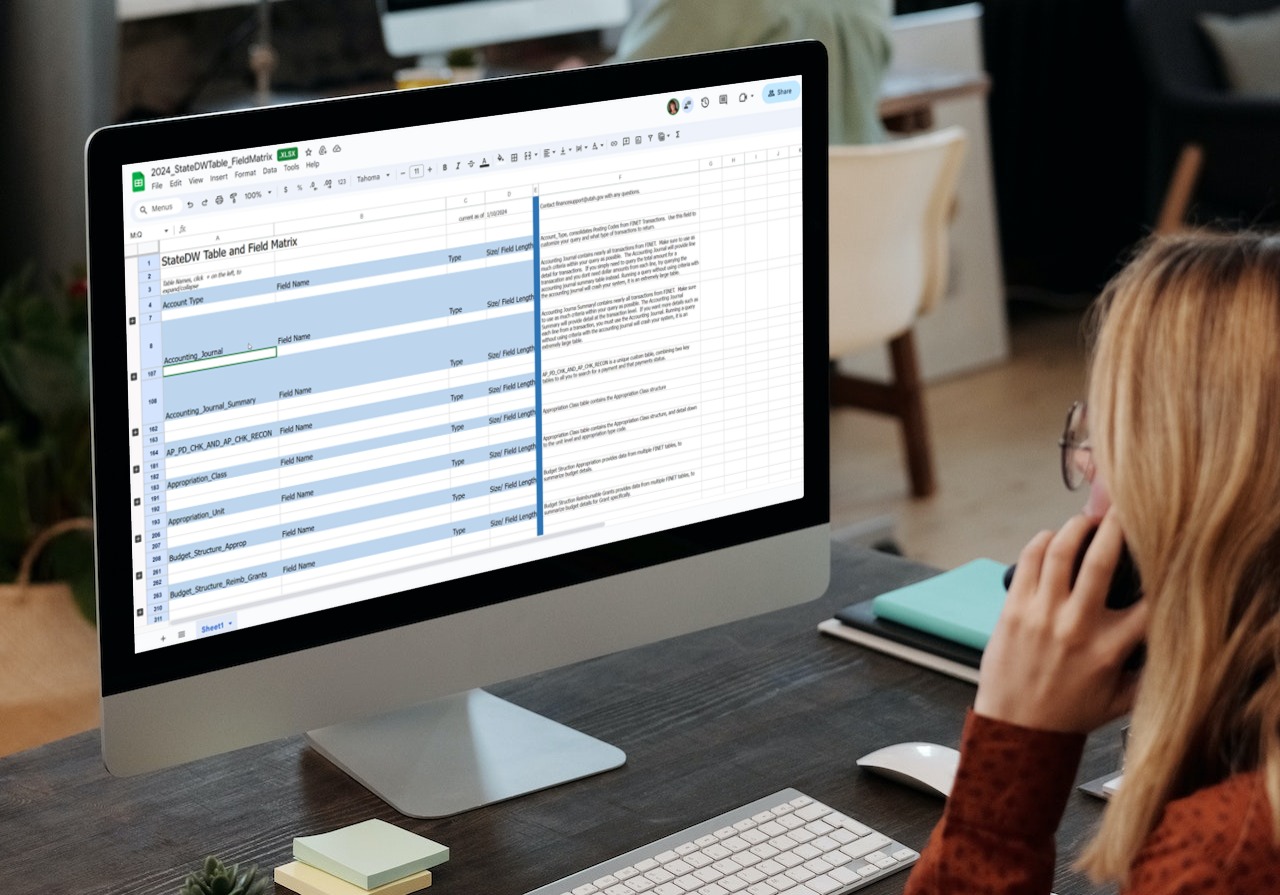
Data Dictionary
Please refer to the linked list, containing data warehouse table names and field names. The data dictionary provides end users the tables that exist in the state data warehouse, that they have access to query. Included in the data dictionary are the field names, and field types, to aid end users in which values to extract data with.